Before writing any code, we will need to first set up Haxe and VSCode on our computer.
The Compiler
As a reminder, a compiler is a piece of software that converts computer code from one language to another. Some languages like C have multiple different options, but for Haxe there is just the one. Lets install it!
-
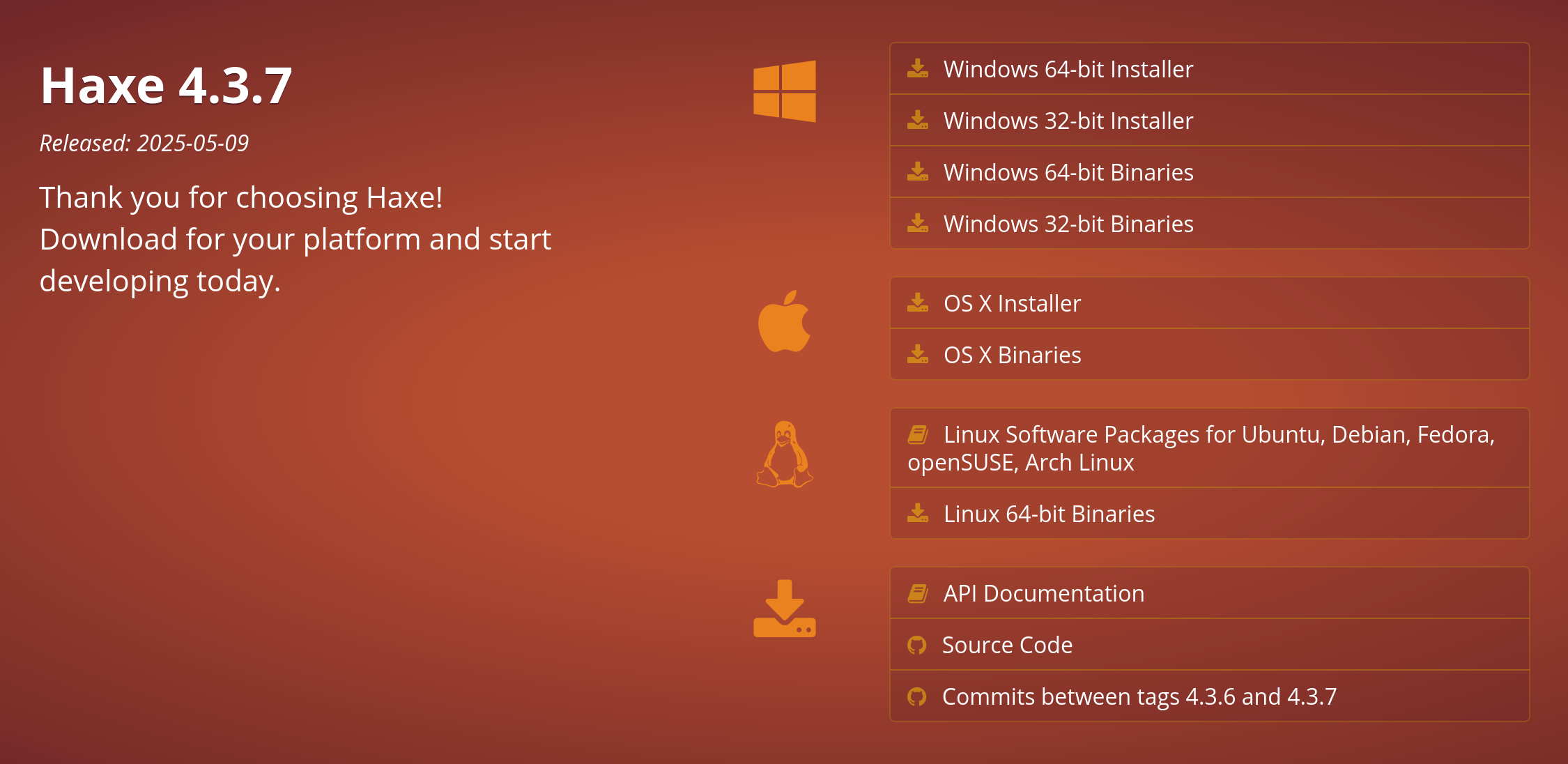
First, go to the Haxe website (haxe.org). It should roughly look like the screenshot below. Don’t worry if it looks different, the instructions should carry over.

-
Hit the download button, in the screenshot above it is
Download 4.3.7, with4.3.7being the latest stable release. You may also see nightly or preview versions, these contain the latest and greatest features of Haxe, but may have bugs or incomplete features not present in the stable release. -
You should see a list of different methods of install. The one you use will depend on your operating system, on Windows or macOS you will likely want to use the installer instead of downloading binaries. Download it and go through the installation process as usual.
Linux users can usually install from their package manager. On Fedora, for instance, you can simply do
sudo dnf install haxe. Ubuntu will require installing a PPA.
If all went well, you should now have the Haxe compiler installed!
VSCode
Download and install VSCode from https://code.visualstudio.com/. The process will be reminiscent of the Haxe installation. Once you run VSCode for the first time, it should look similar to the provided screenshot.
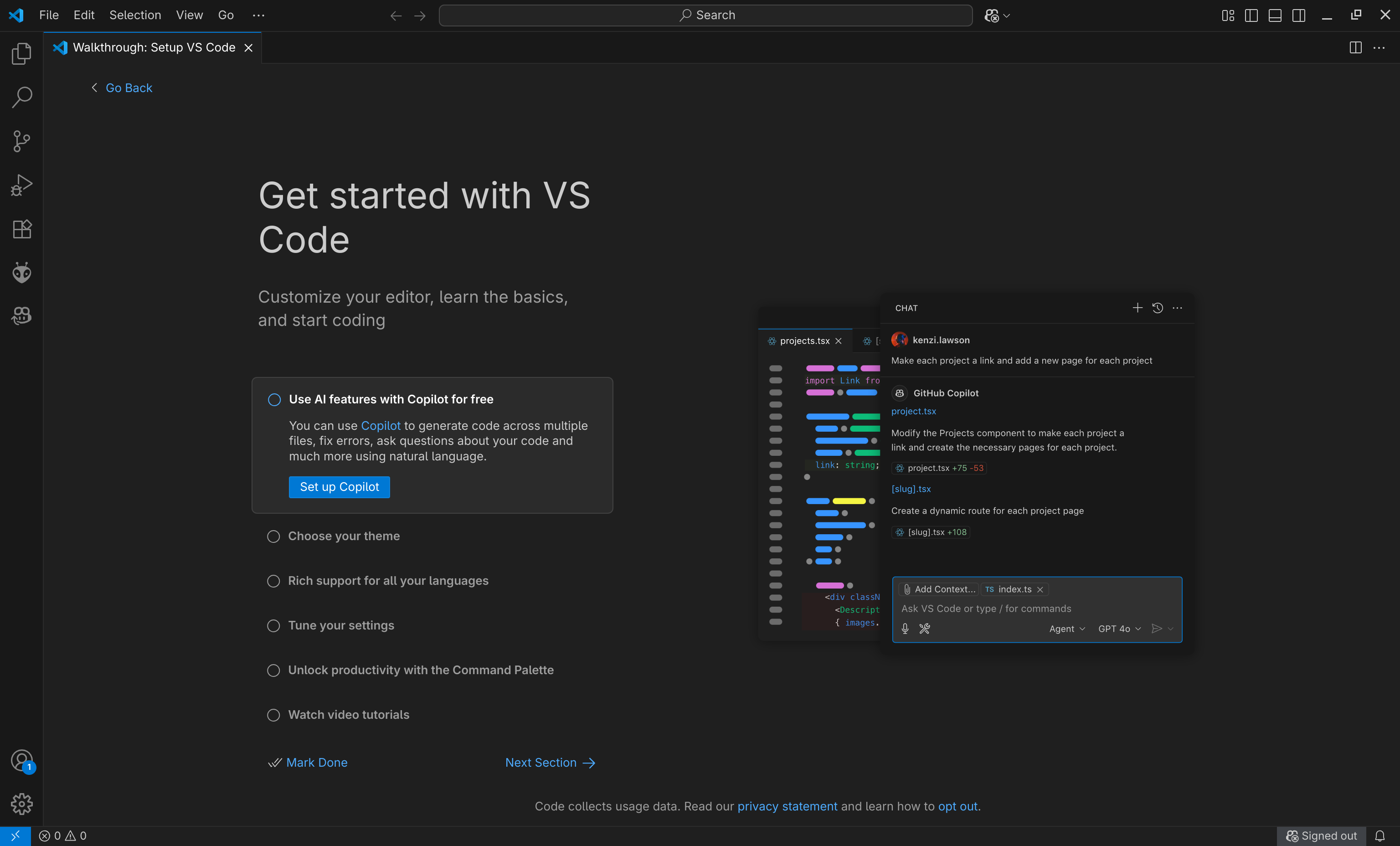
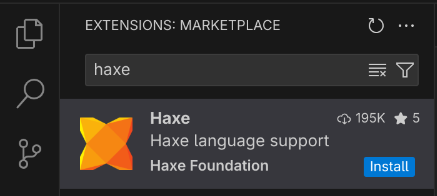
On the left side of VSCode you will see the Activity Bar containing a bunch of icons laid out vertically. If you hover over them, you will see a tooltip showing the name of the specific activity. After presssing the extensions icon with the four squares, a sidebar will pop up with a list of different extensions, search up “Haxe” and install the first one created by “Haxe Foundation,” it should look like this:
If you wish, you can grab other extensions here too. VSCode is incredibly customizable and lets you install different color schemes and utilities from the extensions marketplace. Most of these are written by third-parties and should be used with caution. For now, I will keep things as is.